[Review] iPad Pro Magic Keyboard from a Developer's Perspective
![[Review] iPad Pro Magic Keyboard from a Developer's Perspective](/_next/image?url=%2Fimages%2Fposts%2Fpost-19%2Fcover.jpg&w=3840&q=75)
Today's topic isn't technical.
I'm going to talk about how useful the iPad Pro Magic Keyboard has been for a developer over the past month.
If you want to see what led me to the purchase, check out the post below.
[
I Visited the Apple Store During COVID-19 While talking with someone at work about the iPad Magic Keyboard, I suddenly wanted one. Since I also had a budget for equipment this month, I decided to make the purchase. Apple Store... life.yangs.kr
My Intended Use for the iPad Magic Keyboard
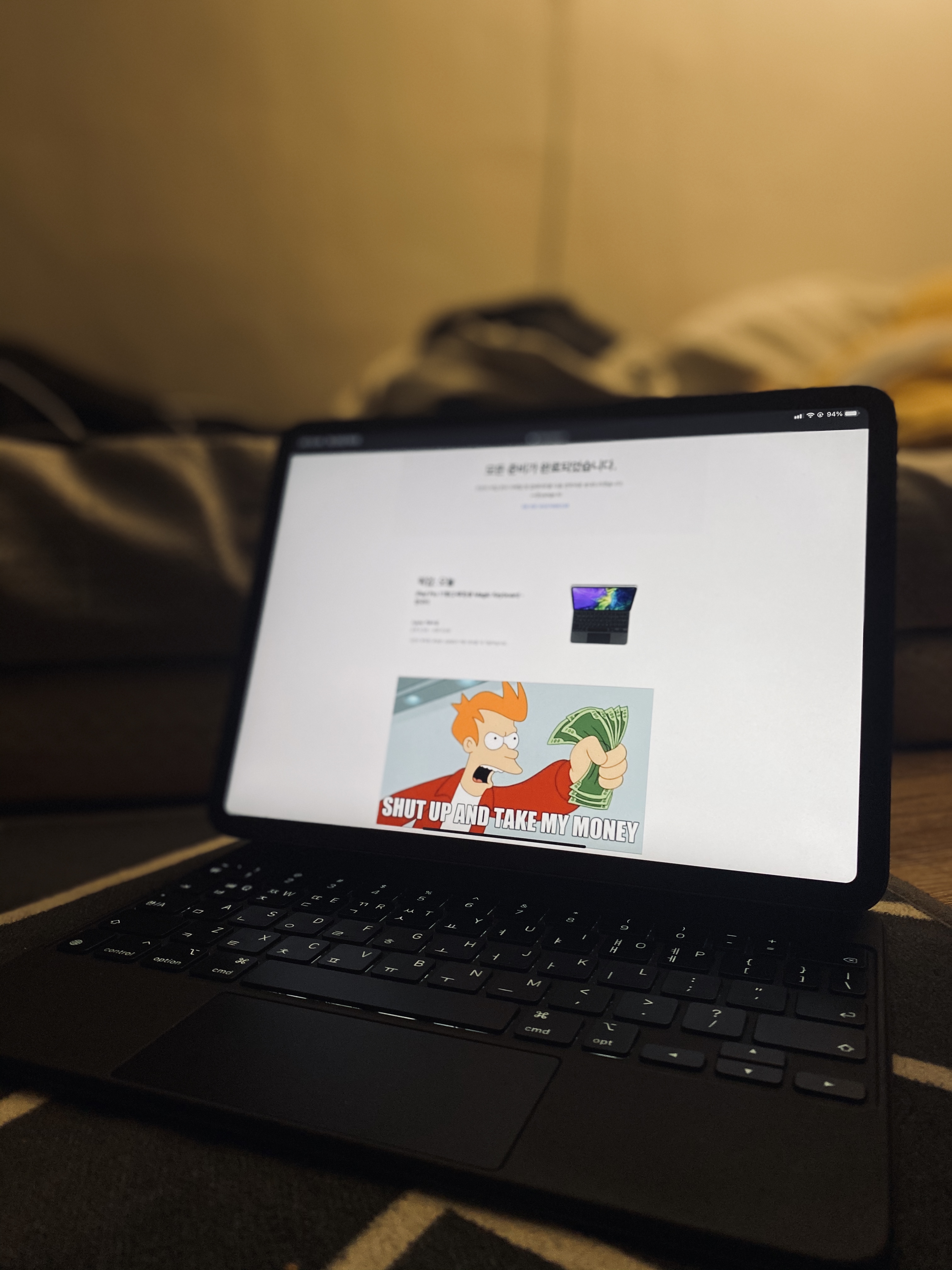
Many people buy an iPad to use it 'instead of a laptop.'
Of course, with Big Sur and Apple Silicon announced at the last WWDC, Apple seems to be trying to blur the line between iPad and MacBook.
However, for me, the role of the iPad Magic Keyboard is for 'responding to company service outages', not as a device to carry around instead of a laptop.
The Glorious Return of the Scissor Mechanism - Keyboard Feel
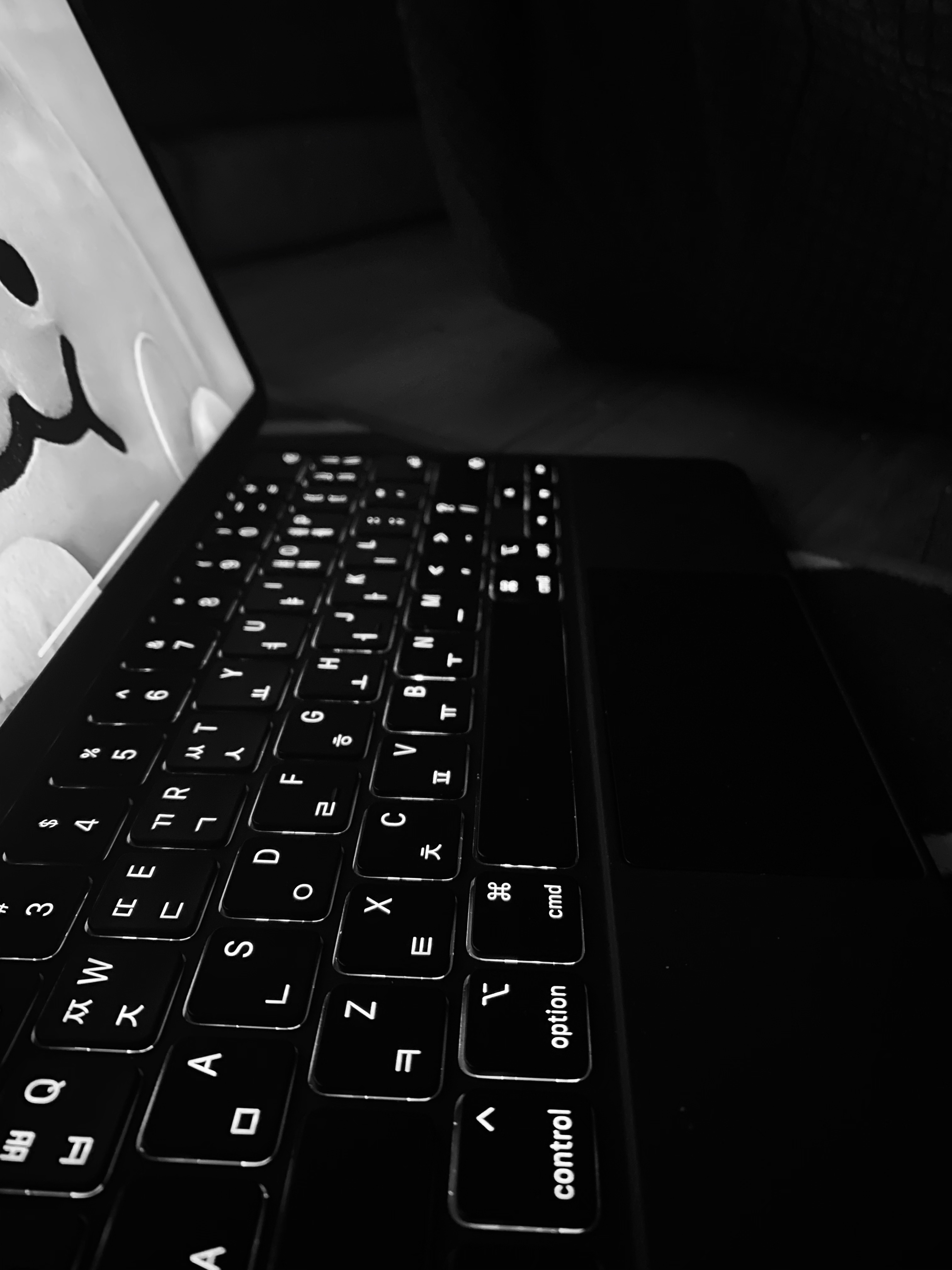
This is one of the most common questions I've received since buying this keyboard.
"How does it feel to type on?"
I've also used older generation MacBooks, and the feel is almost identical to the scissor-switch keyboards before they switched to butterfly keyboards.
While the previous Folio keyboard had that nice squishy feeling, the scissor-switch keyboard still has a better typing feel.
This Keyboard Case Is Not Suitable for Watching Media While Lying Down
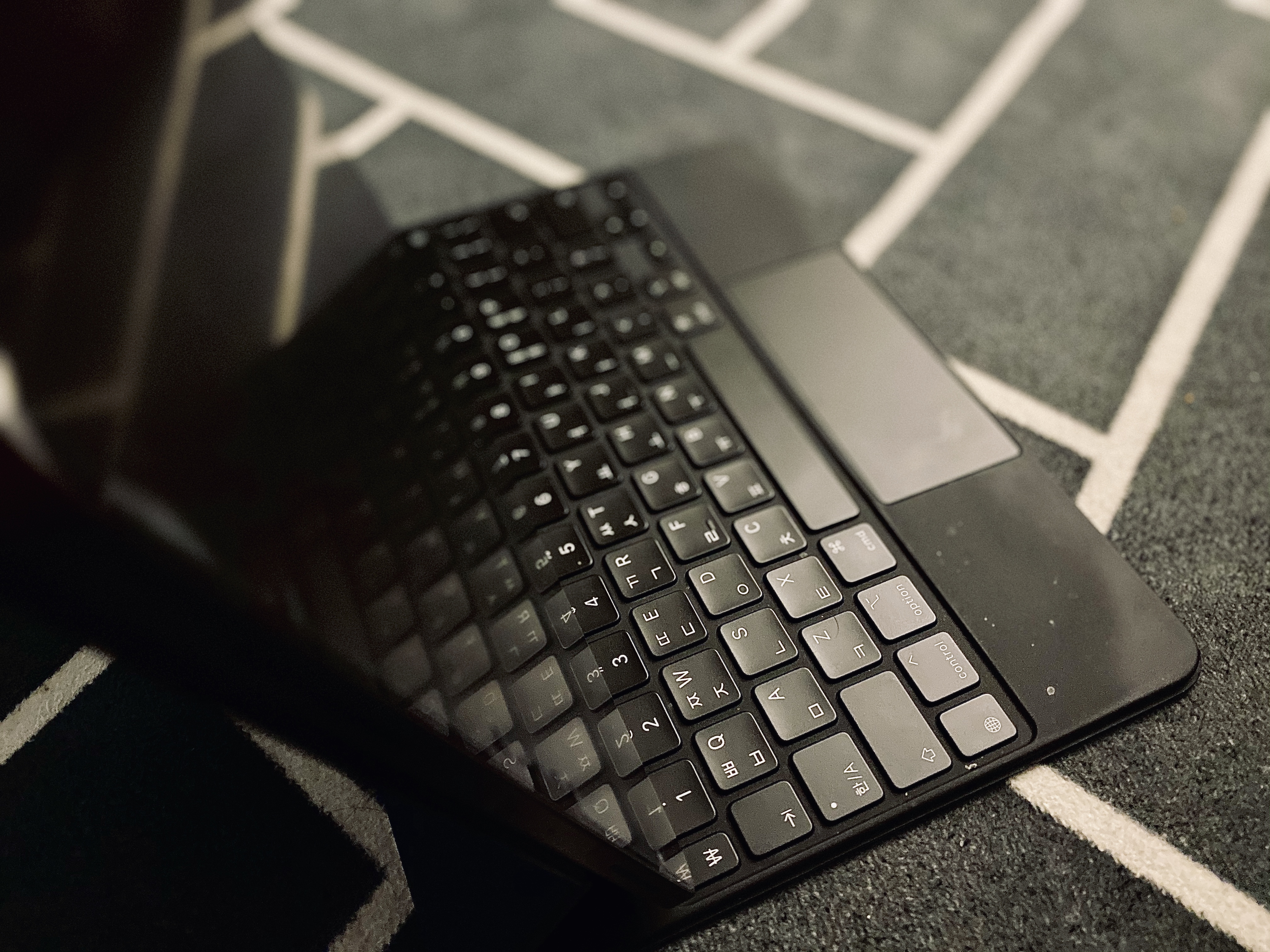
"I heard the angle on that keyboard is terrible. Is that true?"
This keyboard case has the worst possible angle for watching media while lying down.
I cautiously assume this is because it was focused on the typing experience.
However, it still has the best angle for document work or working via RDP while sitting or even lying down.
How's the Trackpad?
I think having a trackpad on an iPad case is like having an entire army at your disposal.
As a MacBook user, I'm already accustomed to trackpad gestures, and being able to use those familiar gestures on the iPad has improved my productivity.
As I keep mentioning, for incident response I used to carry around a MacBook or an iPad + Bluetooth keyboard combo, but these days I just carry the iPad.
App Support?
Since I'm not an iOS developer, I'm not entirely sure, but I suspect the "Touch" event on the screen and the "Click" event from the trackpad have different triggers. Some apps have issues with clicking not working.
For example, the RDP app doesn't support scroll, so the trackpad scroll doesn't work.
Funnily enough, some input fields in the iPad settings also have bugs where keyboard shortcuts or gestures don't work.
With iPadOS 14? Tim Cook, You Had a Grand Plan All Along.
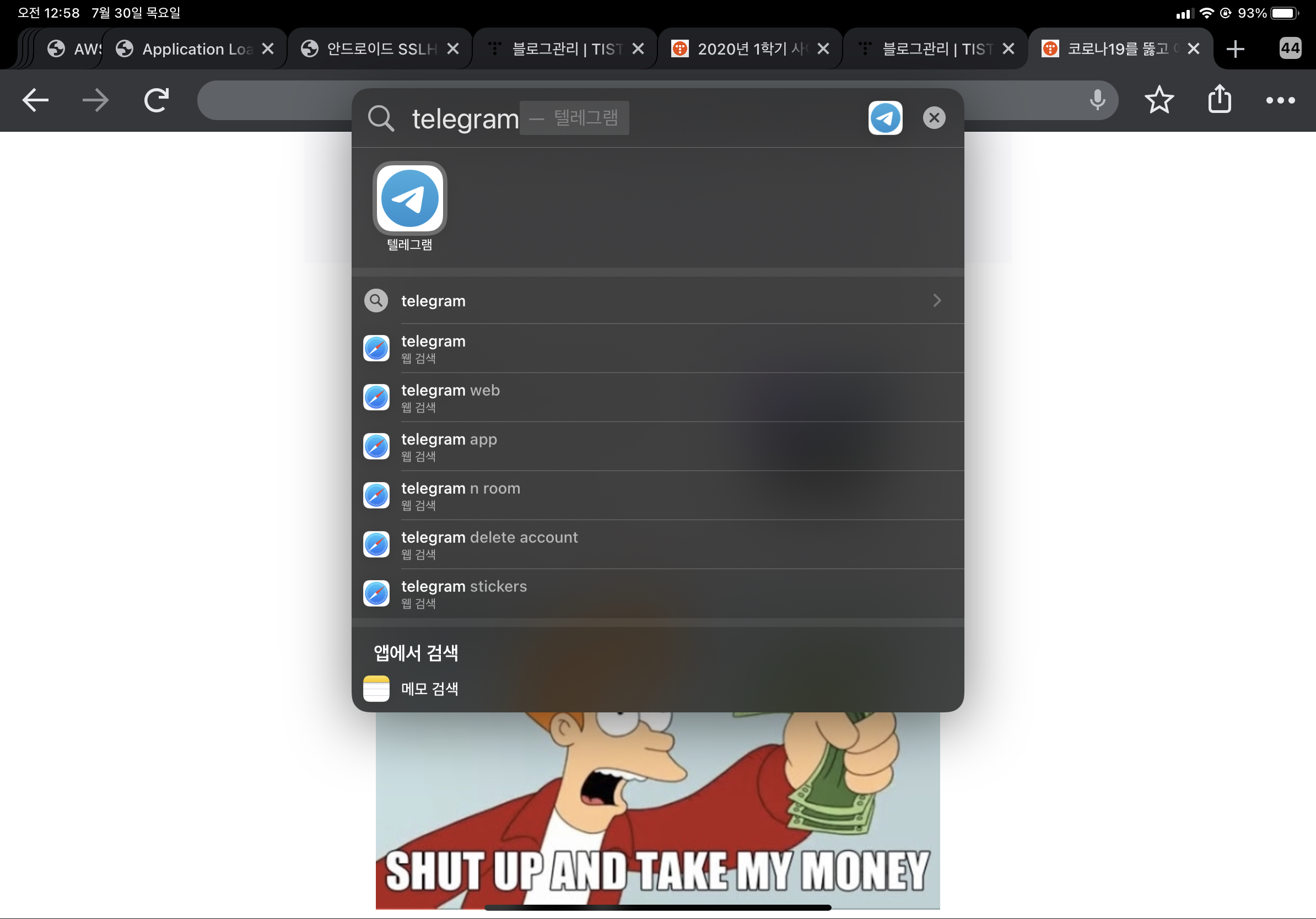
While watching WWDC, I was surprised and thought Tim Cook had a grand plan all along.
When they separated iOS and iPadOS, I thought:
"Why bother?"
But I think Tim Cook has been slowly, very slowly preparing to continuously blur the line between MacBook and iPad.
After trying the iPadOS 14 Public Beta announced at WWDC 2020, it's really convenient.
You can really minimize the time spent switching between apps.
One regret is that there are cases where I run apps via PIP, and I wish they had added a shortcut to launch into PIP mode. That's disappointing.
So What's the Verdict?

I'd say "It's usable, but it's expensive." It really is expensive, but the quality of the keyboard and case is excellent.
In my case, I use it for emergency server incident response at work and for remote development at cafes.
Initially, it took a while to get used to some keyboard shortcuts, but now I've adapted to everything from F1-F12 keys to the mouse pointer without any issues.
I'm using the app below, and it has over 90% compatibility.
[
Jump Desktop | Remote Desktop | iPad iPhone Android Mac Windows | Collaborative Screen Sharing Connect to any computer Jump Desktop is a secure and reliable remote desktop app that lets you connect to any computer, anywhere in the world. jumpdesktop.com
](https://jumpdesktop.com/) One thing that surprised me was that during a meeting, when I connected an external display while in an RDP session, the RDP screen resized to match the external display resolution.
These days, I don't bring my MacBook to work. There's no need to.
I'm handling almost all my work with the iPad Pro.