IOT Series (1) - Let's Capture Packets with EW11

Today, I'm going to capture packets using the EW11, which can be considered the starting point of IOT.
EW11?

EW11? What's that?
The internal network in homes operates through serial communication called RS485. This is a very unfamiliar concept for regular homes.
[
RS-485 Serial Communication RS-485 Serial Communication Hello, this is Ryuha. Today we'll cover industrial and medical equipment... blog.naver.com
](https://blog.naver.com/k_dynamic/220920194625) EW11 acts like a relay server that allows RS485 signals to communicate over WIFI.
The relay server allows relaying through the following protocols.
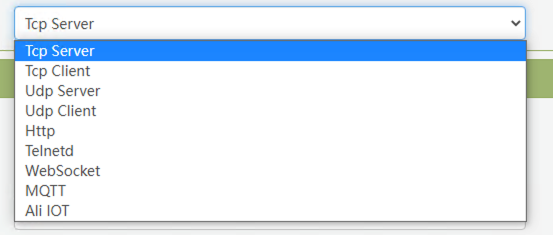
Lots of support.. I've only used TCP Server though
It supports quite a variety, but I've only used TCP Server.
So this article will be based on TCP Server.
Wiring the EW11
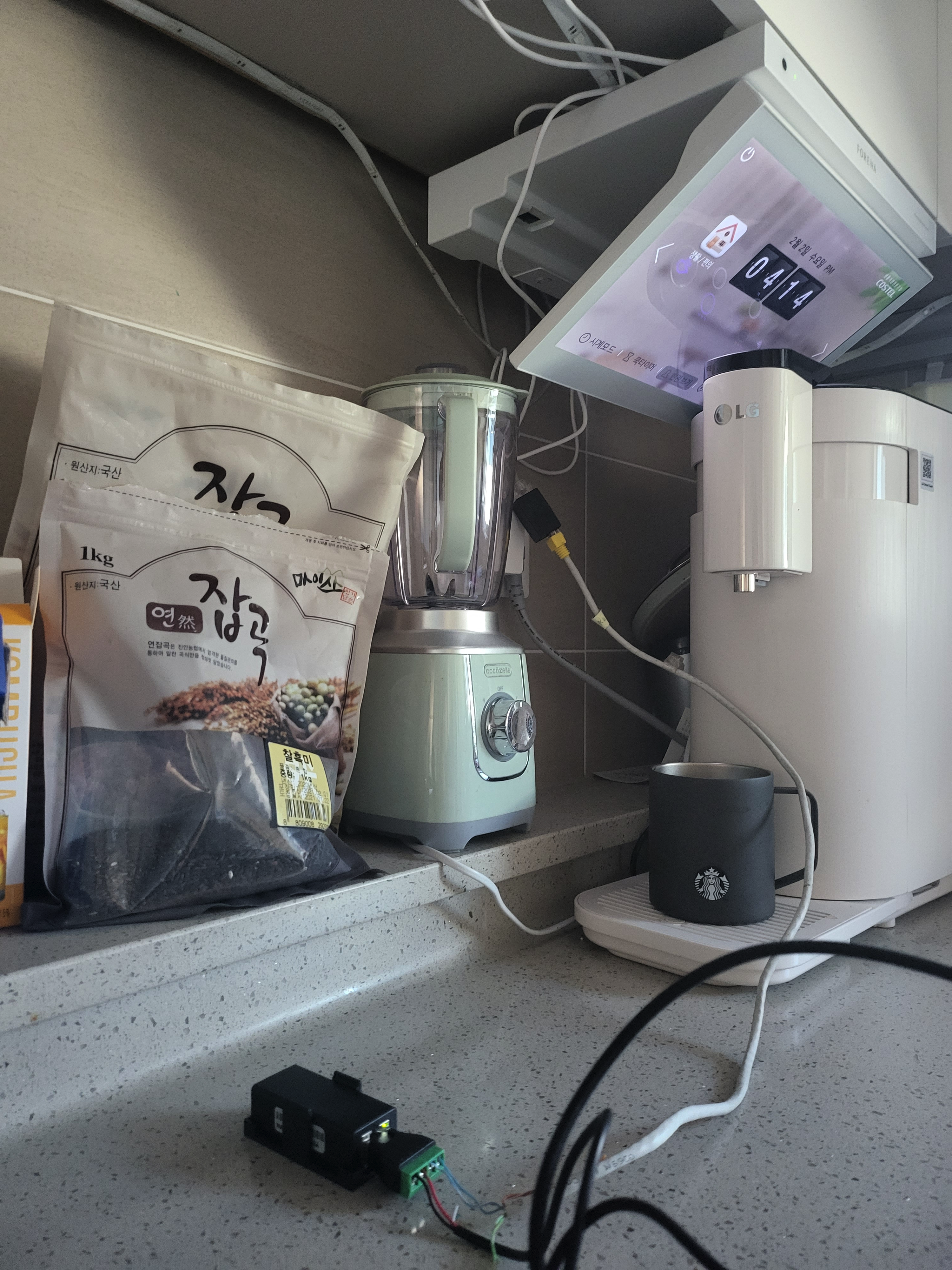
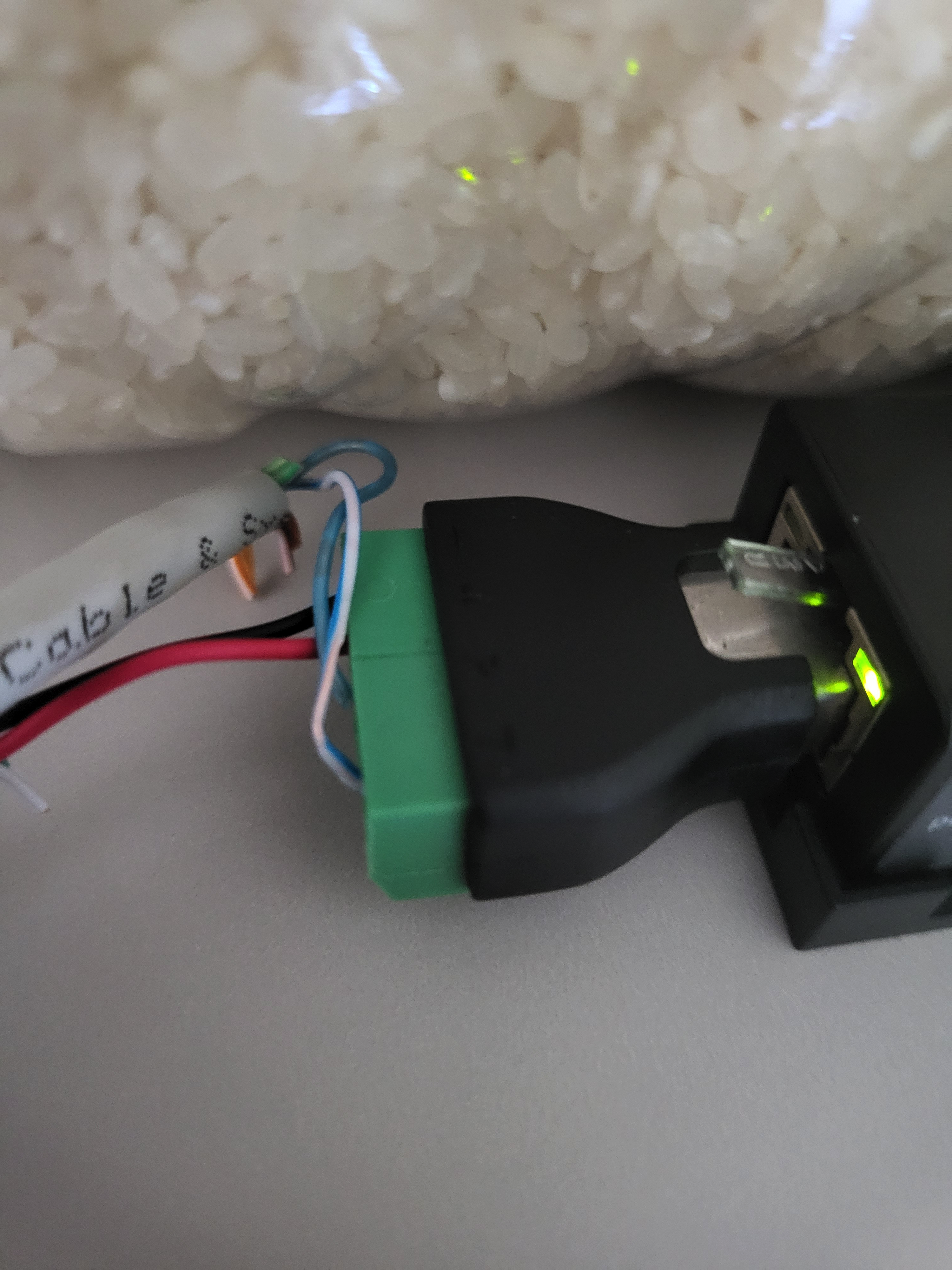
First, the power is free voltage from 5-12V, so connect it according to your situation.
In my case, since I was connecting to the kitchen TV, it was difficult to get 12V from the wall pad, so I connected GND/VCC with 5V USB.
For the data line, it can be tricky, but look at the wiring diagram on your wall pad and connect the +/- to receive data.
Initial EW11 Setup
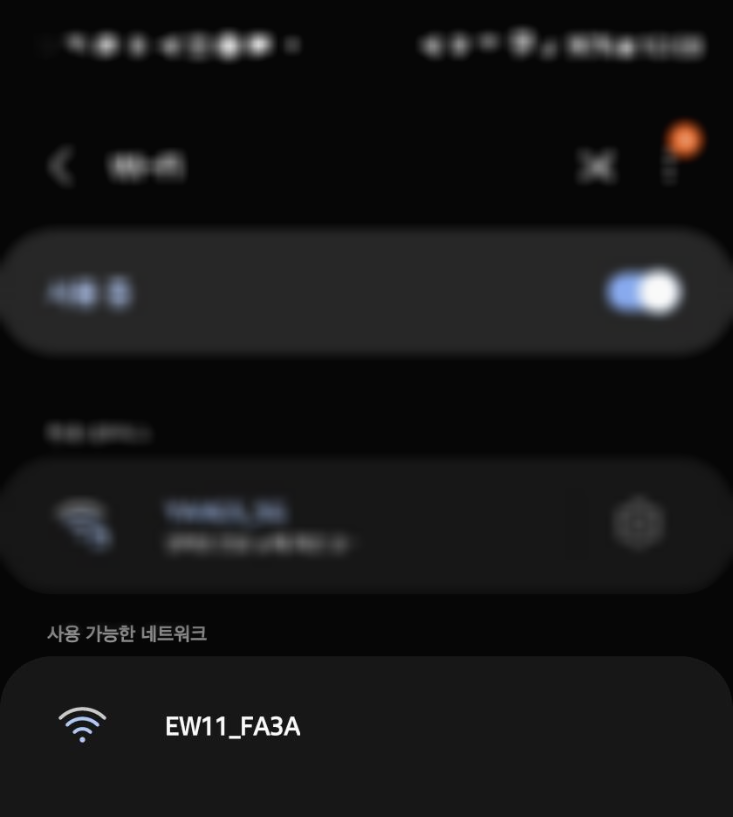
A WiFi network in the format EW11_**** will be activated.
Connect to the WIFI and access the admin page by connecting to http://10.10.100.254 in your browser.
If you've made it this far, you're halfway done.
First, go to SYSTEM SETTINGS.
Then scroll down a bit to WiFi Settings.
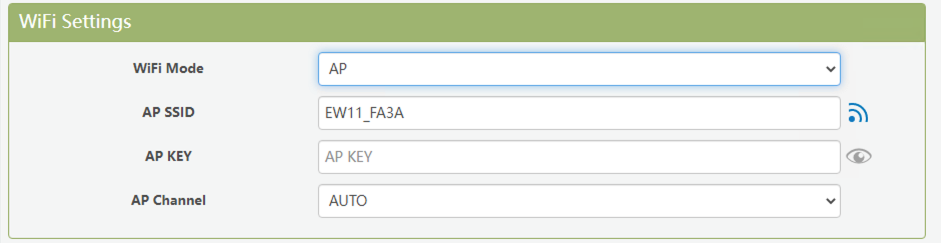
Click WIFI Mode and select 'AP'.
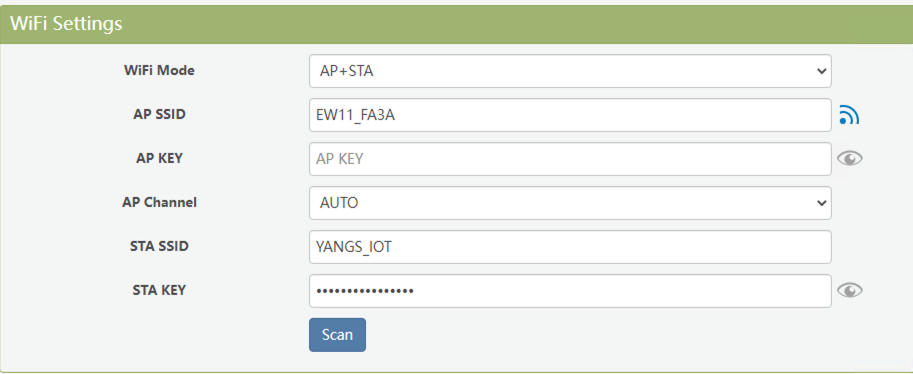
Enter your WIFI connection information in STA_SSID and STA_KEY. (Only 2.4G is supported)
By the way, I'm using AP + STA mode.
The reason is that if I'm not connected to my network, I can access the existing EW11_*** AP to check the situation and the assigned IP.
EW11 RS485 Communication Setup
First, go to SERIAL PORT SETTINGS.
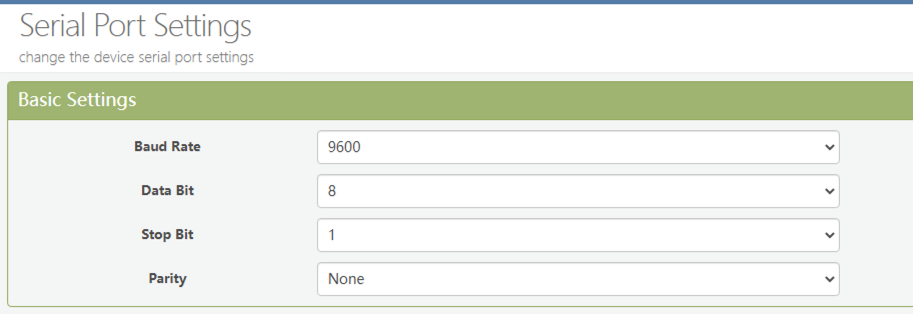
Set the Baud Rate. However, this varies by wall pad.
For Commax, set it to 9600.
Finally, the last step.
Go to COMMUNICATION SETTINGS.
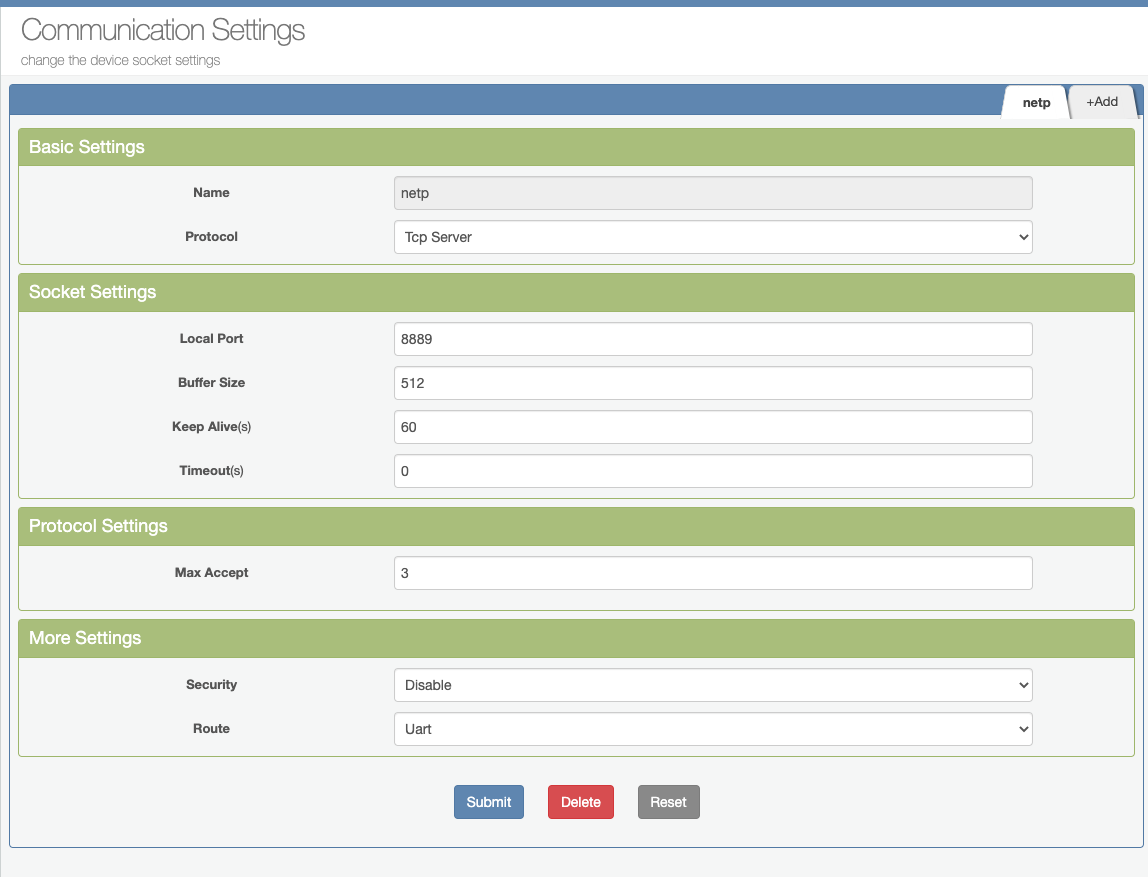
There's not much to change, just select Protocol -> Tcp Server.
That's it, you're done.
Capturing RS485 Packets
Now you're ready to capture RS485 packets.
[
Serial Port, TCP/IP, UDP/IP Terminal Program (Serial Communication Program) If you find this program useful, please subscribe and like on YouTube. https://www.youtube.com/channel/UCyeFmUd3h9Gzw4wK7tglc9Q This program is for serial ports (COM port), TCP/IP, UDP/IP... blog.daum.net
](https://blog.daum.net/pg365/276) You'll need a dedicated program for collection, but EW11 doesn't provide one.
So I recommend a program made by a Korean developer.
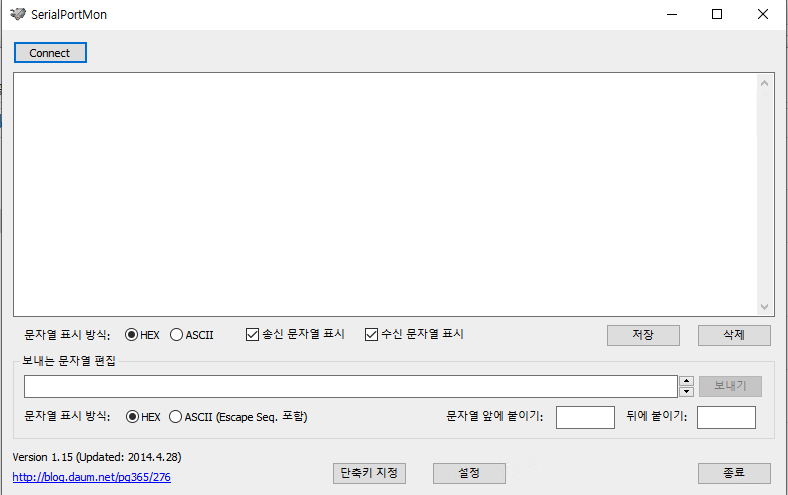
The method is simple.
Run the program and click the Connect button at the top.
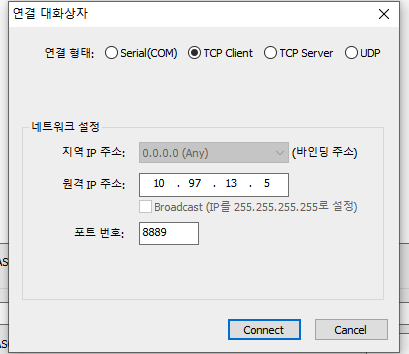
Select TCP Client as the connection type, enter the EW11 IP in the remote address, and enter the port number you set in Communication Settings.
Conclusion
Now everything is ready to capture RS485.
In the next episode, I'll talk about opening the door lock through the kitchen TV and the capturing method.