IOT Series (2) - Let's Capture Packets from Existing Equipment
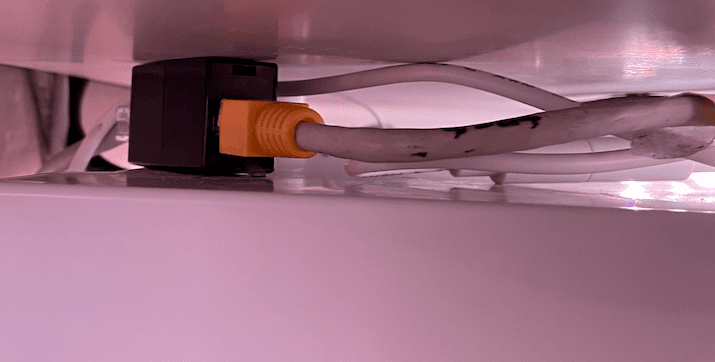
If you've completed the EW11 wiring and setup, you're now ready to capture packets.
I'm going to talk about how I capture packets.
0. Packet Capture?
If you're new to this kind of system, packet capture might be a very unfamiliar concept.
Simply put, it's the process of learning to become a doppelganger of the kitchen TV.
The wall pad, which acts as the brain of the home network, uses 'packets' as a 'language' to 'communicate' (converse)
(It's a bit awkward to call it a language exactly, but for non-developers to understand..)
with various devices in the house (kitchen TV, door lock, heat exchanger, lights, etc.).
So what are we doing now?
We're secretly listening to the conversations between devices in the house to create a doppelganger of the kitchen TV.
For example, if you say "turn on the lights," the brain understands "oh, they want me to turn on the lights"
So we're going to talk about how to find out what the kitchen TV is saying to the wall pad in order to replicate that conversation.
1. Connecting
If you've followed along until the last post, you should have connected the line from the existing TV to the EW11 based on the RS485 signal.
First, you'll need one thing: a LAN coupler.
[
Kalon LAN I-Type Extension LAN Coupler COUPANG www.coupang.com
](https://www.coupang.com/vp/products/1824088956?itemId=3103992524&vendorItemId=71091768569&pickType=COU_PICK&q=%EB%9E%9C%EC%BB%A4%ED%94%8C%EB%9F%AC&itemsCount=36&searchId=755c803248a740dfbf6defb1a5af221e&rank=0&isAddedCart=) For reference, I'm using a connection like below.
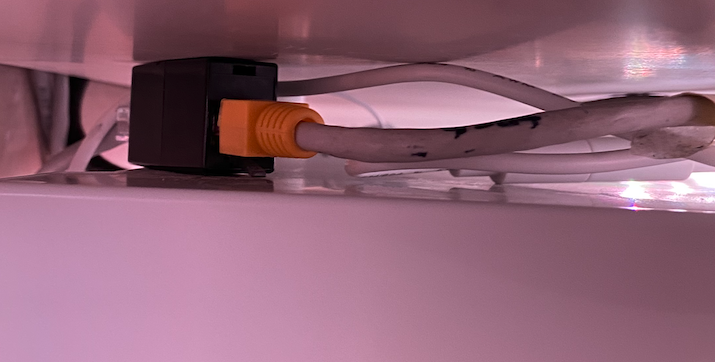
Kitchen TV ----> LAN Coupler -----> EW11
When connected this way, the kitchen TV is tricked into thinking it's connected to the actual home network.
Now all preparations are complete.
Turn on the SerialPortMon program mentioned in the previous post, connect it, and proceed to section 2.
2. Capture Preparation
If you've connected the cables, all preparations are complete.
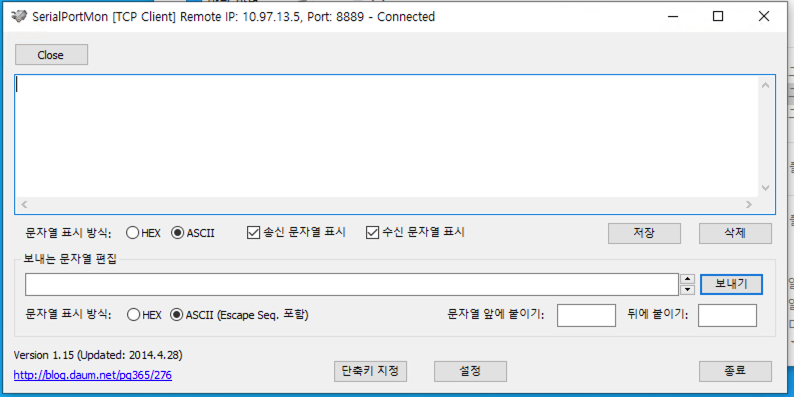
Let's go through the basic settings for this program.
- "String Display Method (both)": "HEX"
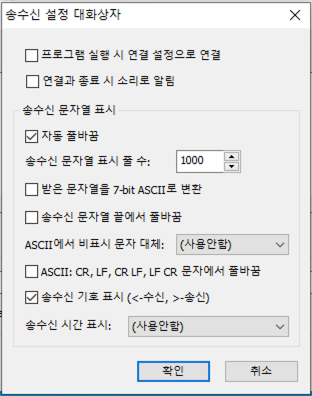
Click the "Settings" button at the bottom center and configure as shown above.
With this, you're ready for packet capture.
3. Capturing
3-1. Transmission Method
Now let's actually try capturing.
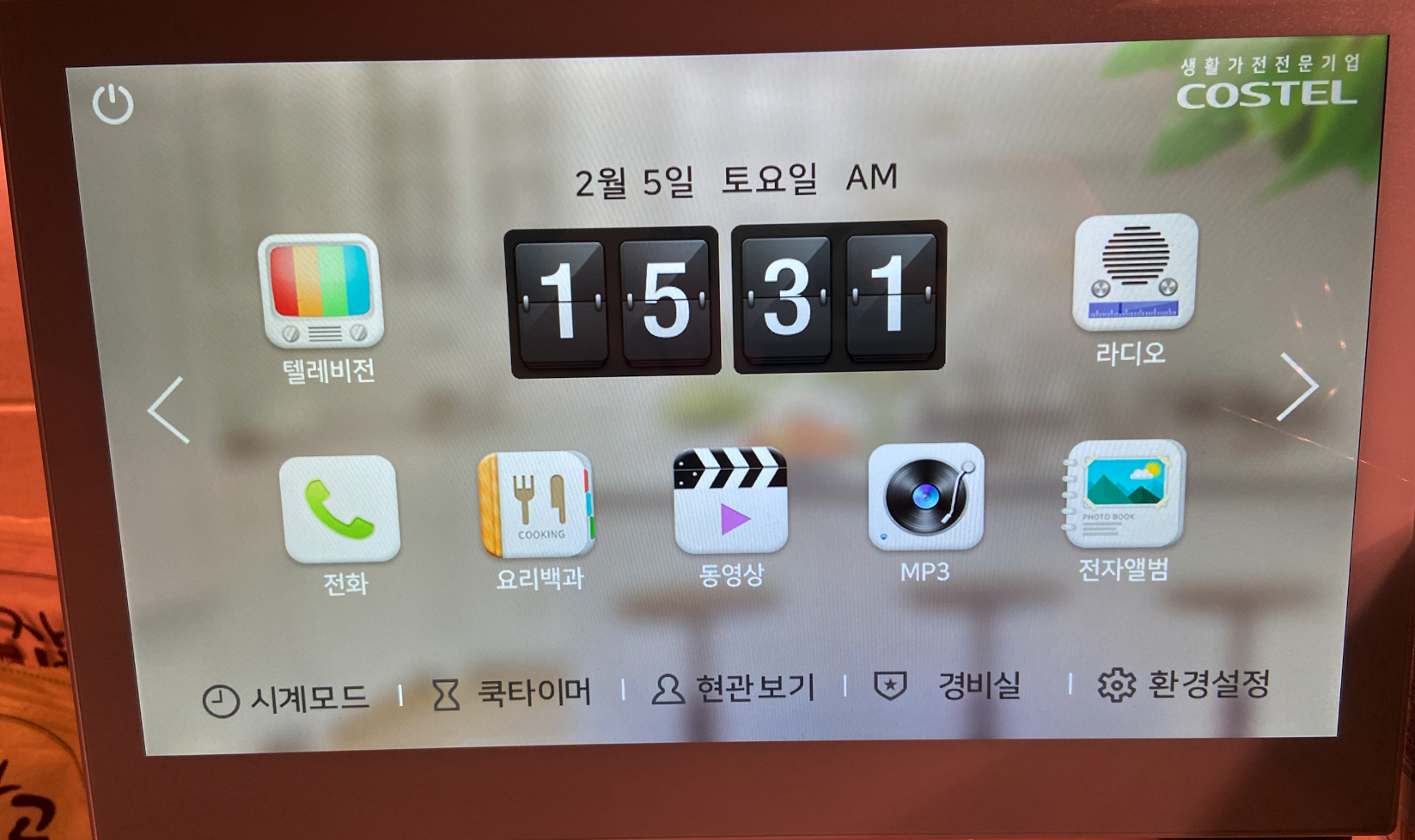
I want to automatically open the front door.
Click "View Entrance" on the bottom right.
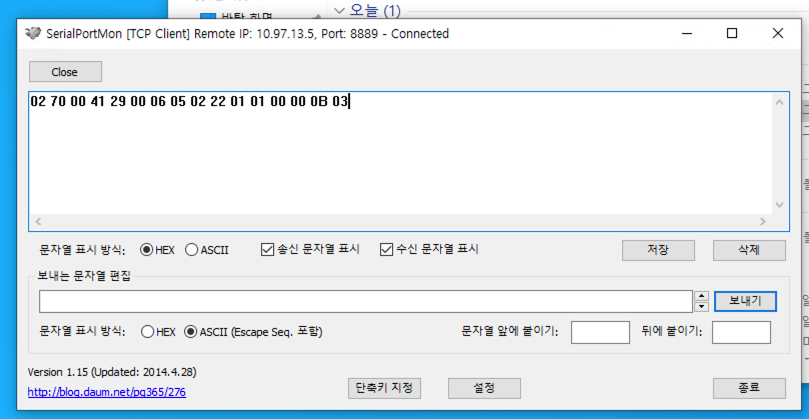
Packets will start appearing like in the image above.
A tip here is to write them down one by one.
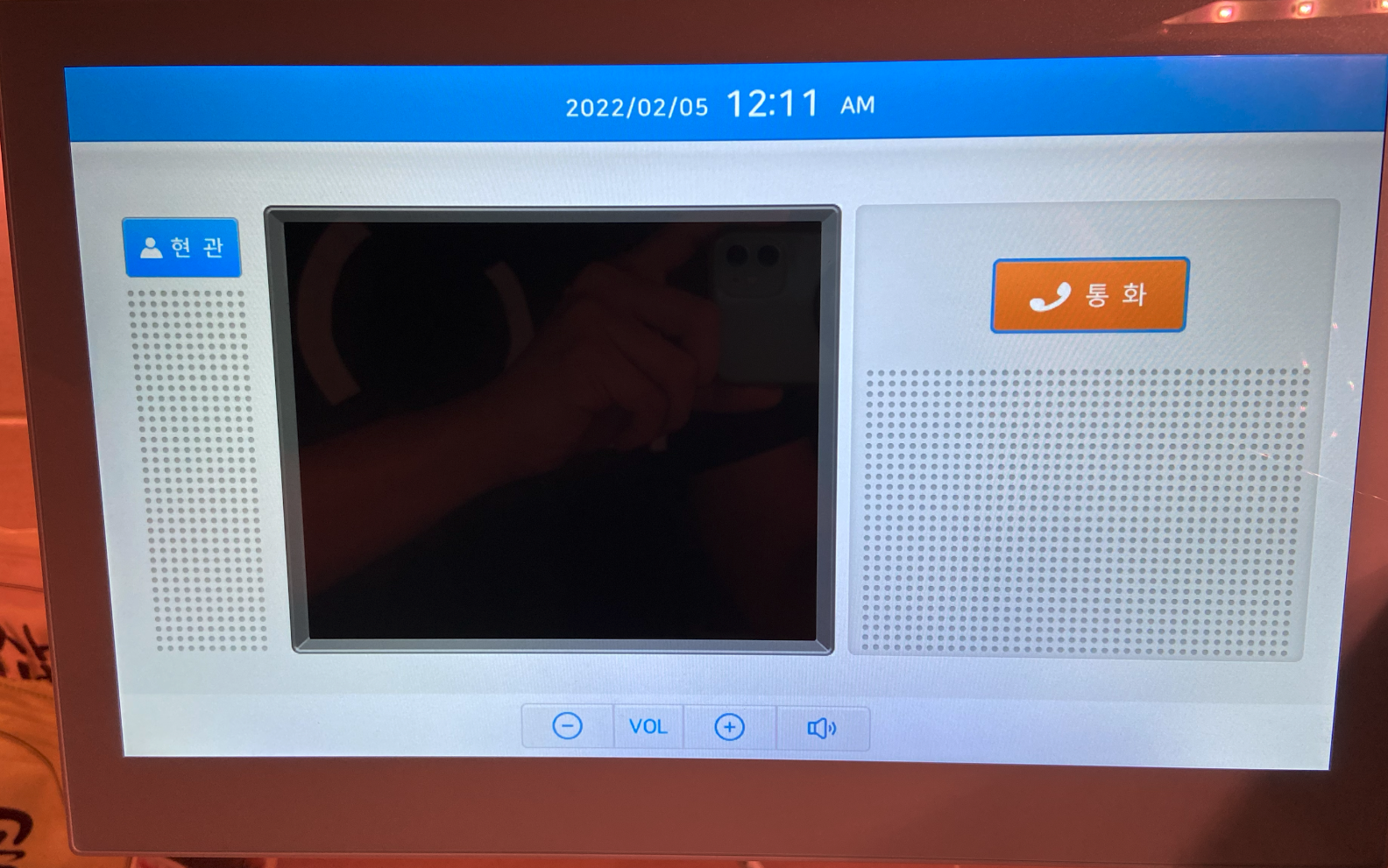
Like this, actual actions like opening the door won't happen, but you've started listening to the conversations with the devices.
3-2. Reception Method
3-1 is the method where the kitchen TV initiates. Conversely, if the wall pad initiates, you need to capture packets in reception mode.
Change the wiring as follows:
EW11 ---> LAN Coupler --> Originally connected line
Then go outside, close the door, and ring the doorbell.
Something will appear on the capture screen. Packets that appear identically (not just similarly) after pressing multiple times are probably the event packets.
After that, you can also try sending an event to the kitchen TV as if someone arrived, using the verification method in section (4).
4. Verification
In section 3, you should have successfully captured packets sent by the actual devices.
Once capture is complete, you need to go through a verification process to confirm these are the correct packets.
Verification isn't difficult - if the desired action (turning on lights, turning on the boiler, etc.) is performed without problems when you resend the captured packet, it's a success.
The verification method is easy.
First, you need to change the wiring temporarily.
The original setup was:
AS-IS: Kitchen TV ----> LAN Coupler -----> EW11 TO-BE: Kitchen TV --> LAN Coupler ---> Actual line to the wall pad
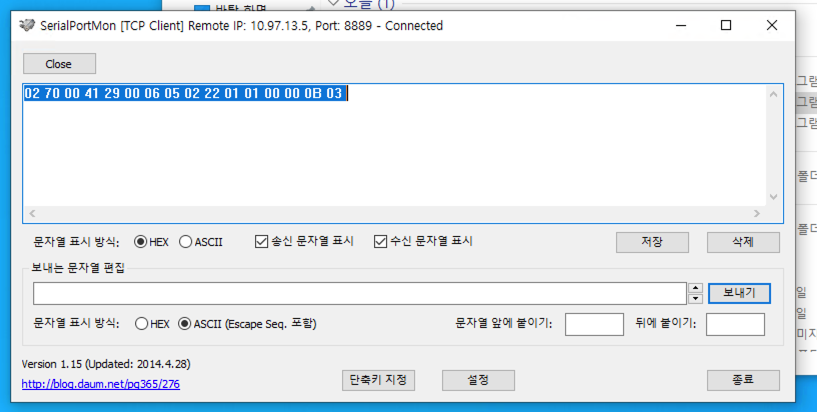
If packets are captured like this, each line is one command.
Copy a line and paste it into "Edit Sending String" at the bottom.
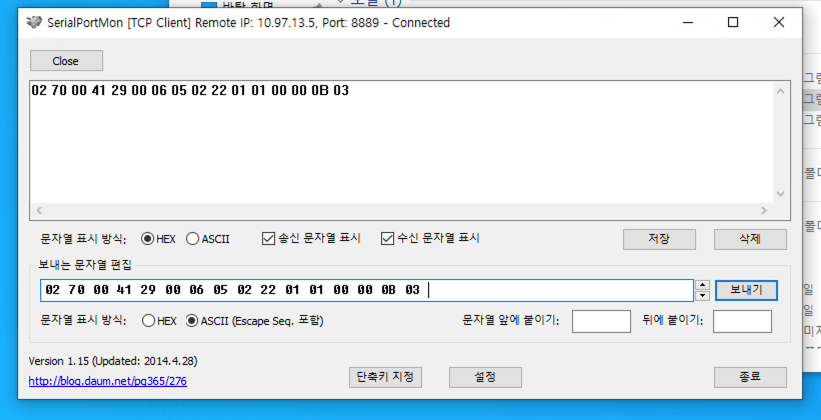
If the desired action occurs when you press Send, it's a success.
5. Understanding the Process
Let's try to understand the process based on what we discussed in section 0.
In section 0, we said we would capture the conversations between devices in the home network to create a doppelganger.
In step (1), we made hardware preparations to learn the language of the "kitchen TV" device.
In step (2), we made software preparations to convert the language sent by the "kitchen TV" into human-readable HEX values.
In step (3), we captured the actual conversations the device is having,
And in step (4), if the wall pad responds when we talk to it as if we were the kitchen TV, it's a success.
6. Conclusion
Today we learned about how to capture packets using EW11.
In conclusion, it's the same as secretly listening to what the devices are saying and repeating it exactly.
This process can be very tedious and exhausting due to repetitive work.
But let's use Excel and copy-paste skills to capture and organize the packets we want properly.