[Home Network] Let Me Introduce Our Home Network
![[Home Network] Let Me Introduce Our Home Network](/_next/image?url=%2Fimages%2Fposts%2Fpost-32%2Fcover.jpg&w=3840&q=75)
Our home has been using SOHO-grade network equipment for a long time due to my chronic condition.
Today, I'd like to introduce our home network.
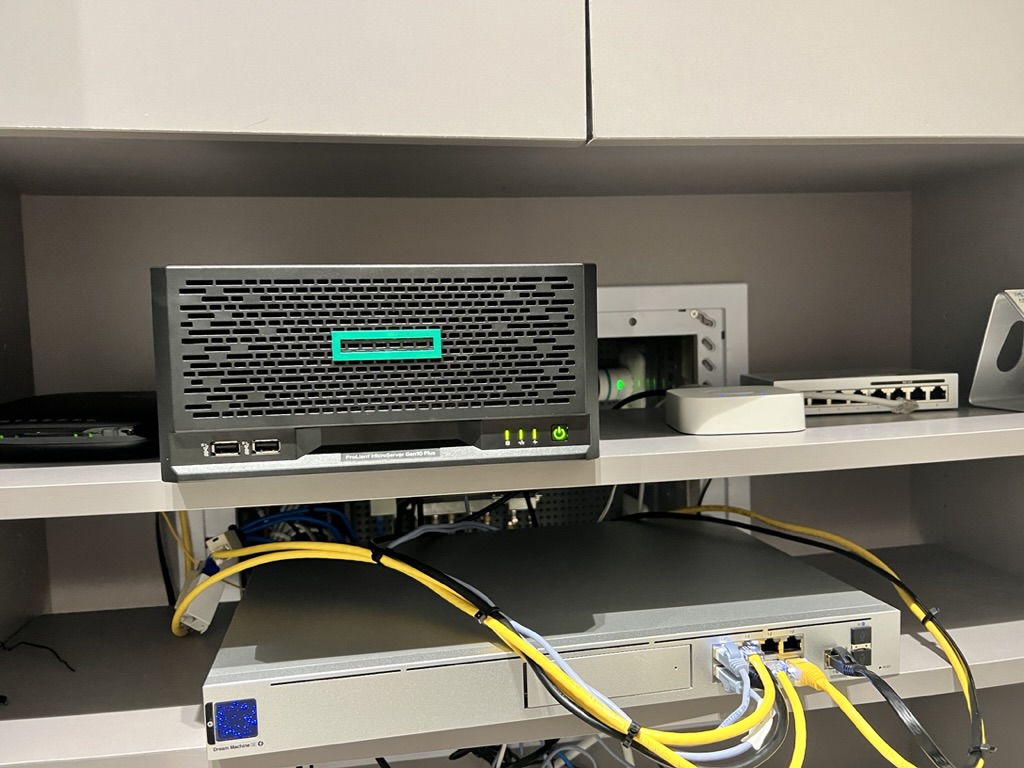
Equipment in Use
-
Router: UDM SE
-
Switch: Unifi-Switch-8-60w
-
AP: Aruba AP11 (planning to change to Unifi U6LR soon)
Network Segmentation
Our home is structured as follows:
-
VLAN 11: Server Farm
-
VLAN 12: MGMT & User Zone
-
VLAN 13: IOT Zone
It's divided into these 3 zones.
To the question "Do you really need to divide it like this?" - it's for easy internal access control and because of the incident below that made me realize something.
The Main Culprit of the Large-Scale DDoS Attack in the US Was Xiongmai IoT Hacking, Not Xiaomi! The main point of this article is that attacks have been made through "some NVR devices" and "IOT devices."
So I separated the networks and set a 1mbps speed limit on the IOT zone.
And when I think about "that country," I always want to segregate them -_-;;
There were various issues that arose after segregation, and I'll gradually organize them in the blog.
As someone who has developed malware detection systems, this is also a chronic condition, but it gives me peace of mind.
The Process When New Equipment Enters Our Home
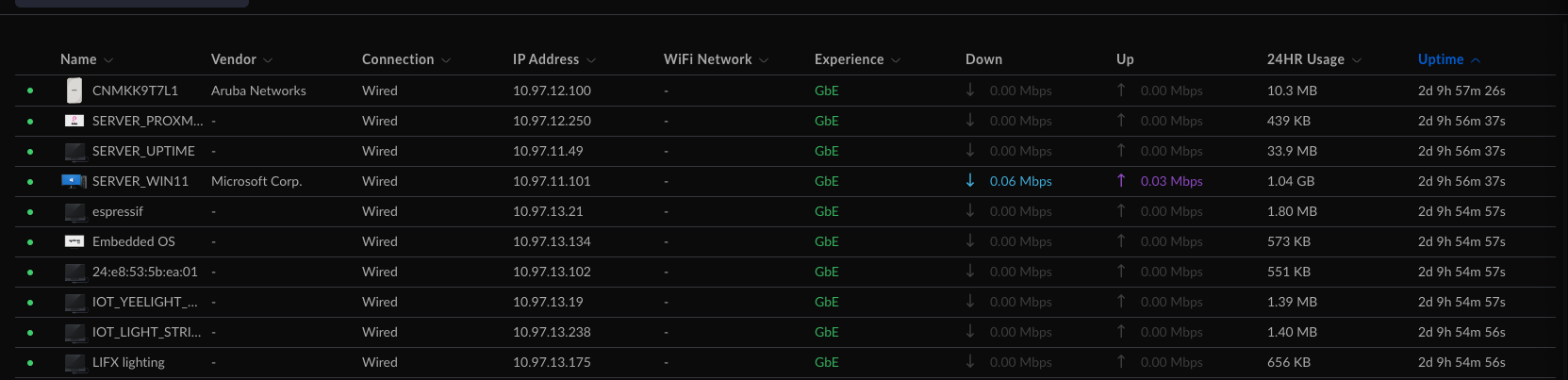
Our home has a fixed IP gateway. You probably won't understand why I do this.
For IOT devices communicating over WIFI, fixing the device's IP is essential for localization (processing internally).
So I started doing this. But doing it only for IOT felt awkward, so I'm just labeling all devices.
Our Home's Network Policy
-
Communication is allowed within the same VLAN
-
IOT zone cannot access any zone (open what's necessary)
-
Guest can only access the IOT network (for guests' AirPlay use)
-
Camera devices are managed separately, with external network blocked
-
Server zone (VLAN11) cannot access User zone (VLAN12)
Our Home's Wireless SSIDs
${WIFI}_5G: The AP where my and my wife's various devices connect
No speed limit
${WIFI}_IOT: Supports only 2.4G, where IOT devices with low-end Wifi clients connect.
Speed limited to 1Mbps per client.
${WIFI}_H_IOT: The IOT zone supporting 5Ghz. Mainly used for connecting cameras and TVs.
Speed limited to 50Mbps per client.
${WIFI}_GUEST: Guest network for when visitors come.
No speed limit. (Partly to show off to guests..)
Summary
- It's important to configure a single unified network.
Don't use multiple routers connected in a hodgepodge.
Network performance is poor and it causes frequent disconnections and errors.
- 9 out of 10 IOT devices only support 2.4Ghz. Make sure to create an IOT-dedicated WIFI on 2.4Ghz.
Most IOT devices use 2.4Ghz. Create and use a dedicated 2.4G network.
If you're also using a Zigbee network, make sure to check the channel. They can conflict.