[Home Network] Unifi U6LR Review
![[Home Network] Unifi U6LR Review](/_next/image?url=%2Fimages%2Fposts%2Fpost-34%2Fcover.jpg&w=3840&q=75)
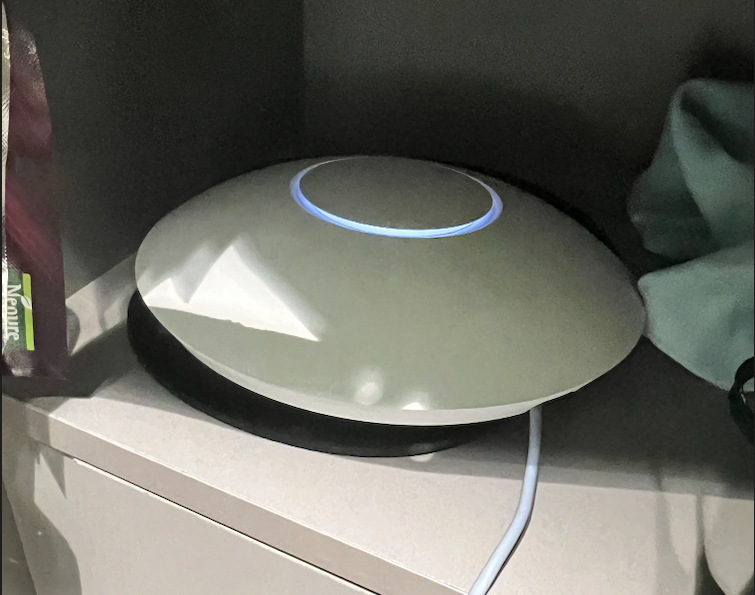
A new device has arrived at home.
https://store.ui.com/products/u6-lr-us
It's the Unifi U6LR (https://store.ui.com/products/u6-lr-us) model. Today I'll talk about this device.
Why I Chose This Device
-
Many client devices support WiFi 6, but my old AP didn't.
-
One day, this device appeared at a very good price. I couldn't resist and bought it.
-
It looks beautiful.
-
My wife's request: she wanted better WiFi in the bathroom.
-
It generates beautiful network diagrams.

Like Apple's ecosystem, these devices work very well within their own ecosystem, but the moment you deviate even slightly, they become problematic.
Appearance
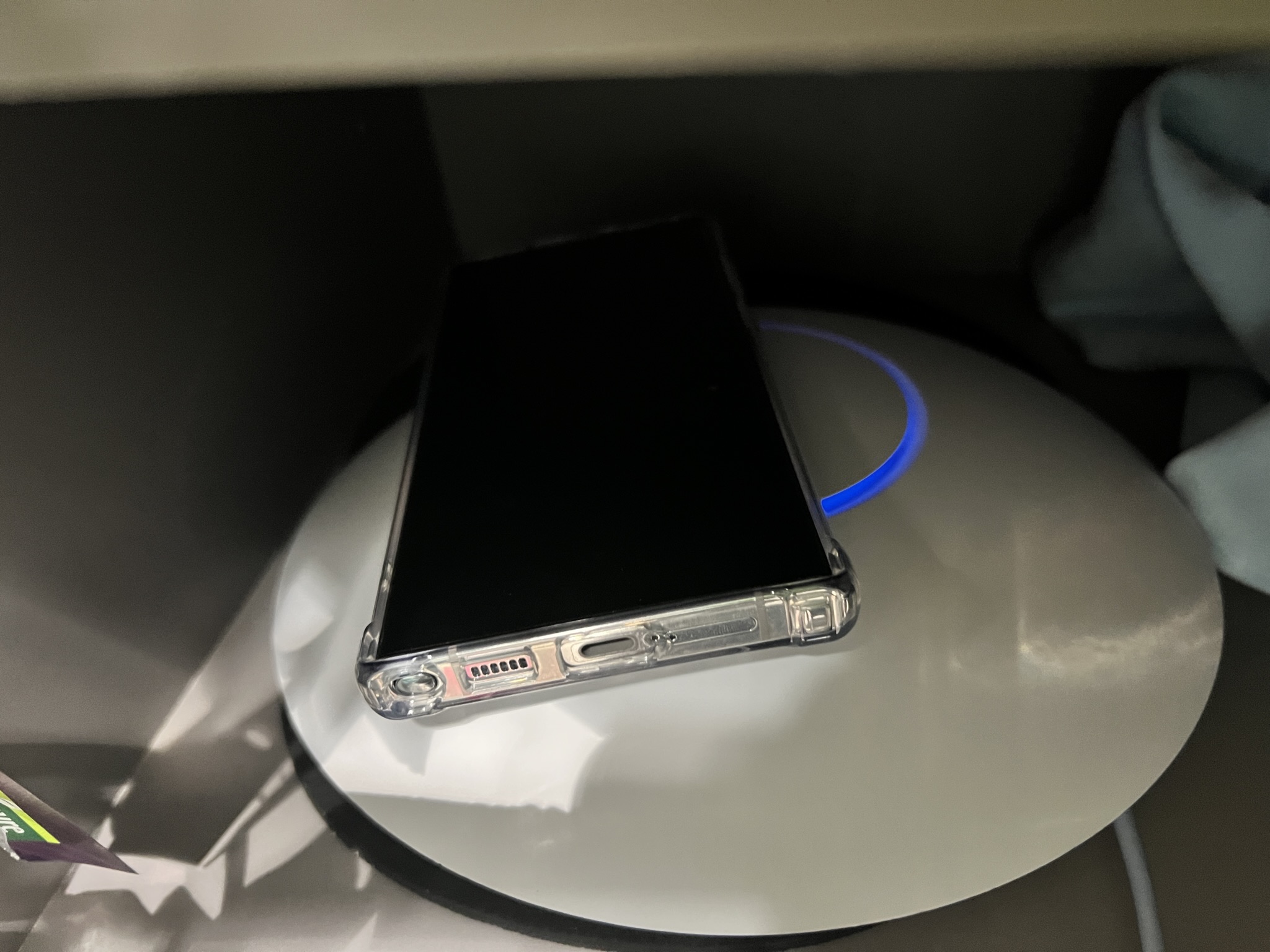
Compared to the Galaxy S22 Plus, it's bigger and heavier.
It was bigger than I expected when it arrived. It's larger than the Galaxy S22 Plus and quite hefty.
Migrating from the Old AP
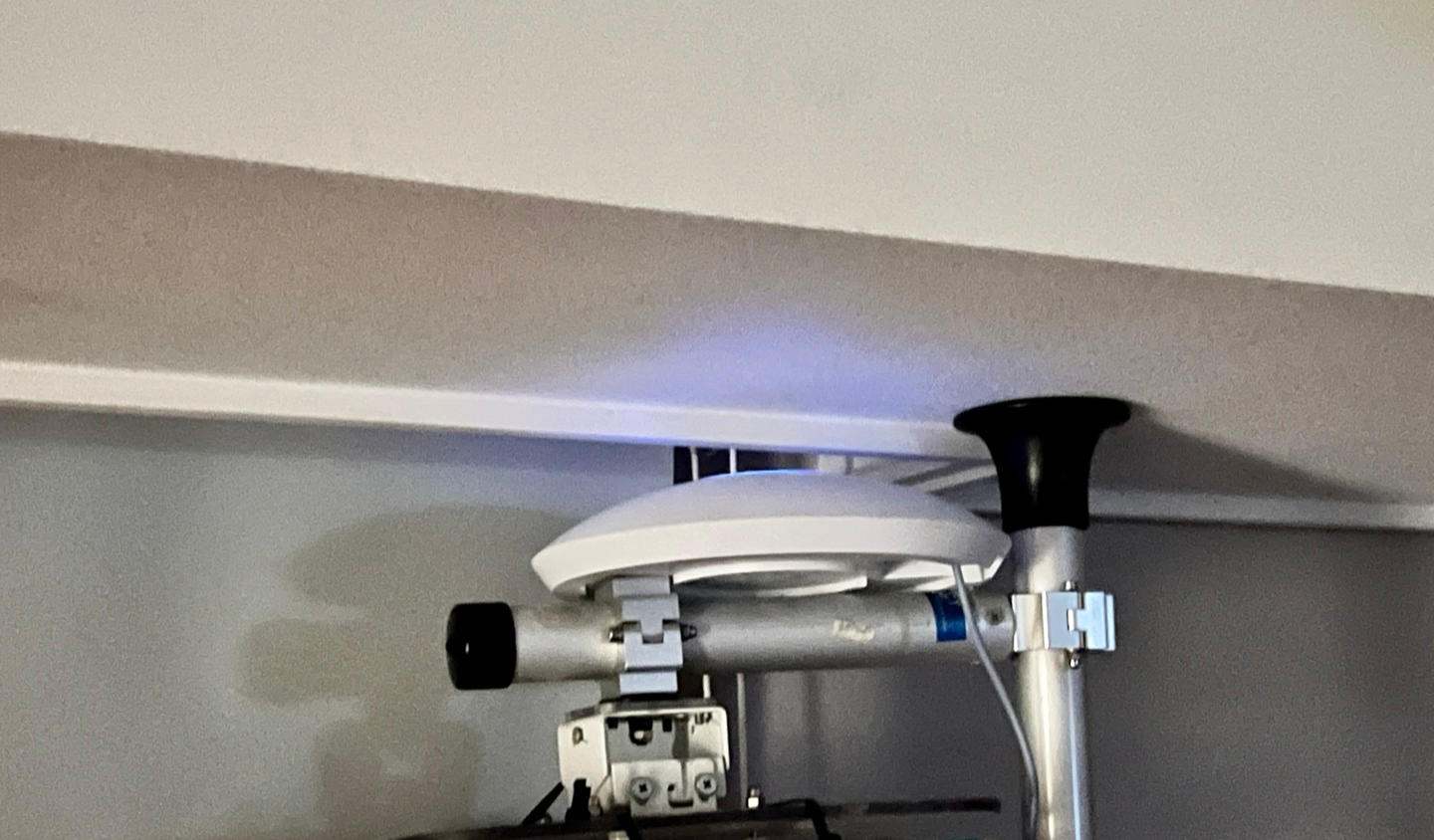
Since clients connect based on SSID anyway, I configured the same SSID and password as the old device.
However... it didn't end that easily...
Continuous Rebooting

It kept rebooting, and I wondered if I had drawn the short straw again with my bad luck.
However, it turned out the device required PoE+ specs, and insufficient power was causing the continuous reboots.
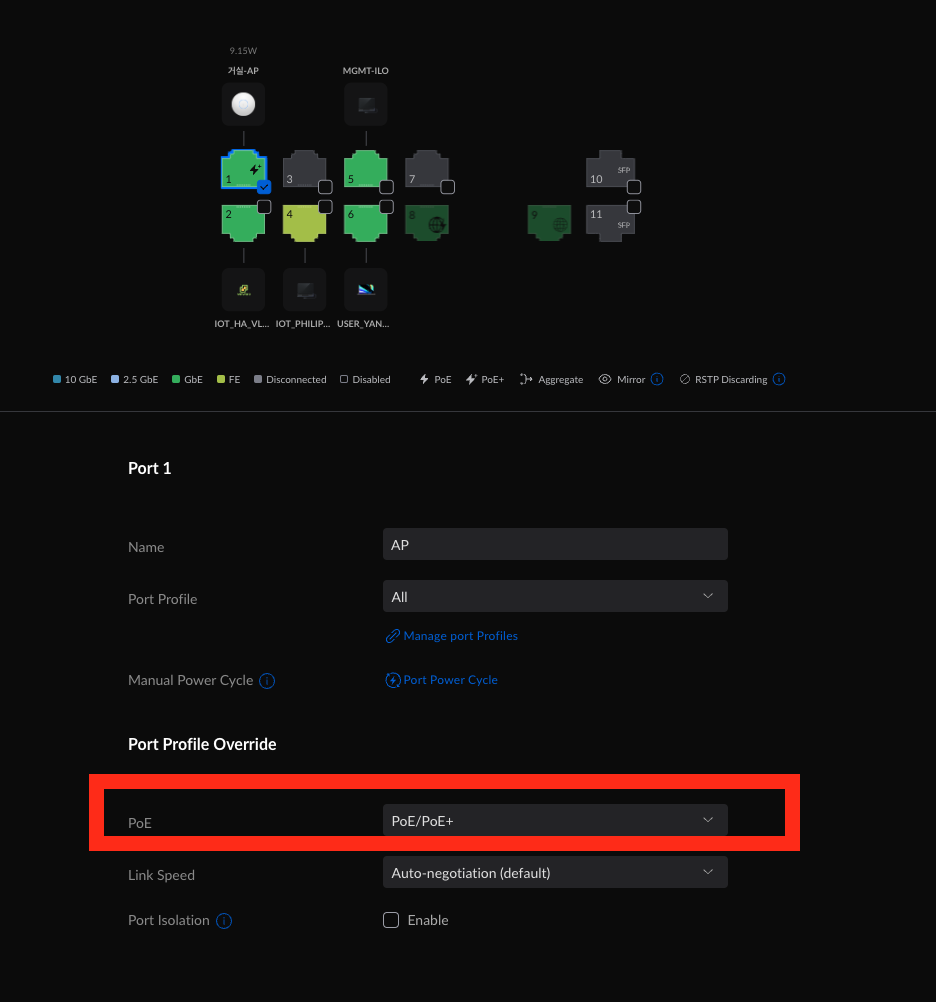
Setting it to PoE+ resolved the issue and the installation completed without problems.
Waiting for Updates
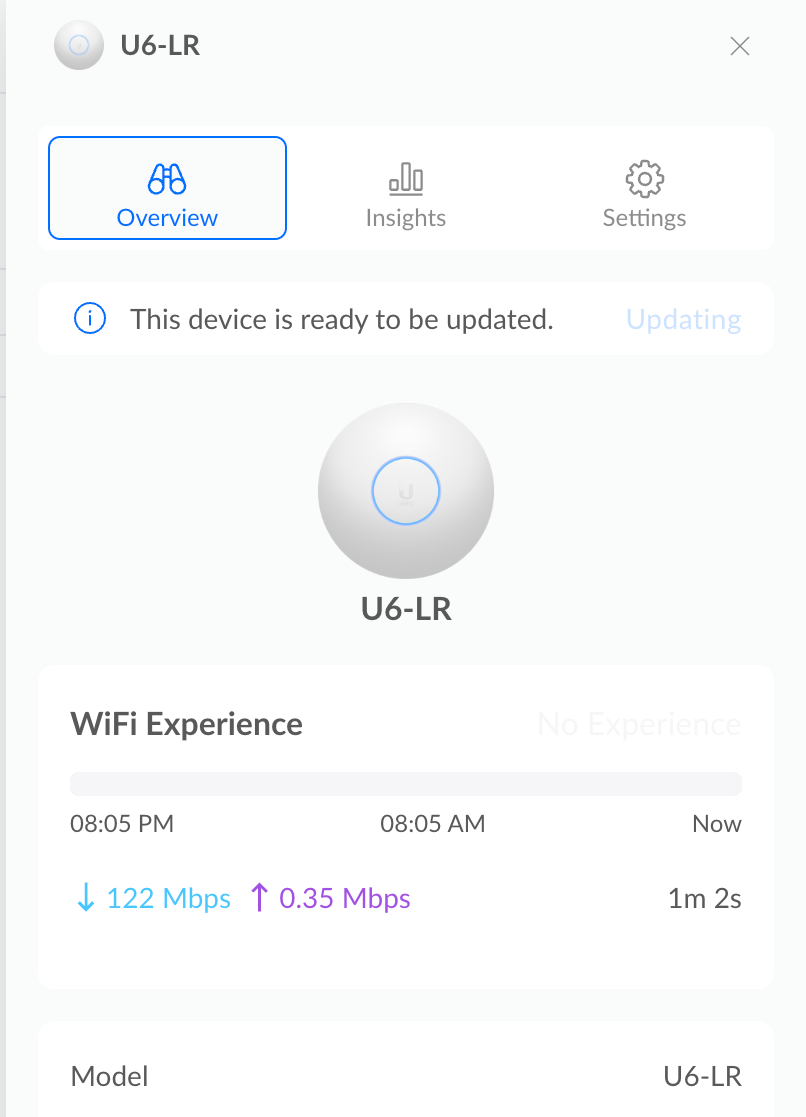
Now it was stuck on updates, which took some time. Given its large size, the update took about 15 minutes.
Setup Complete: Beautiful Network Diagram!
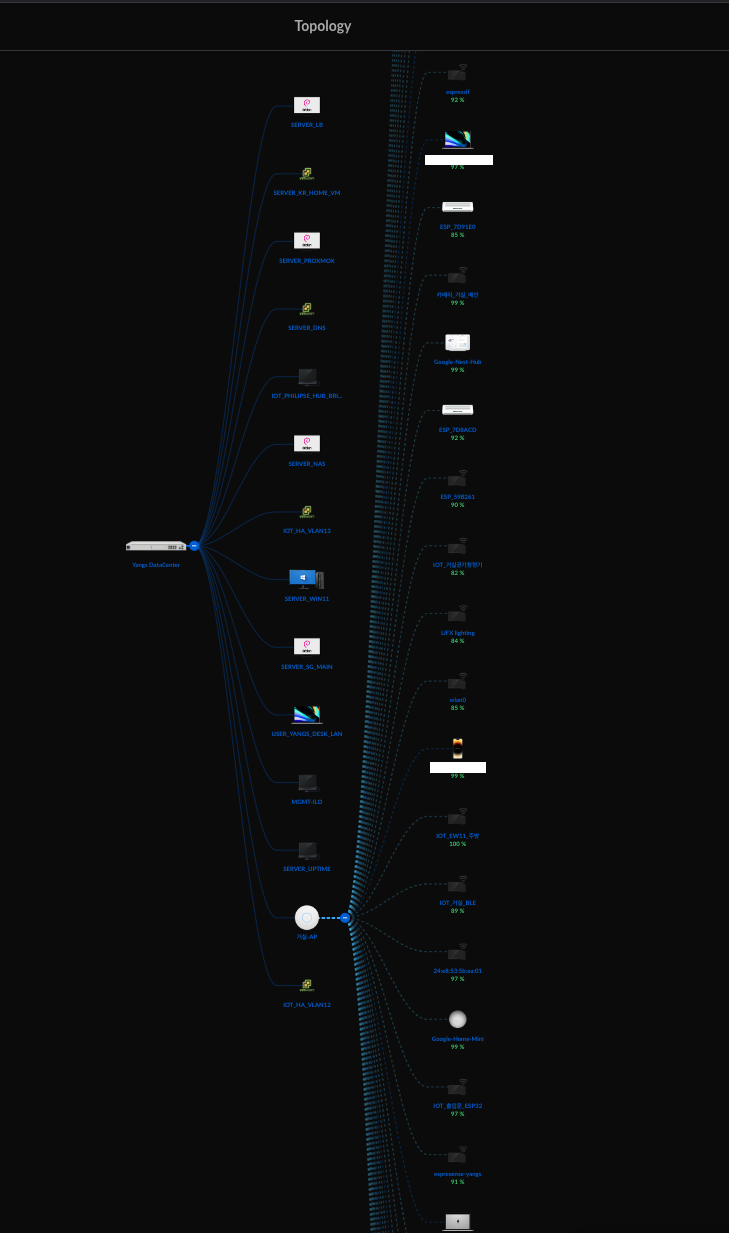
I could say I bought it just for this. The network diagram looks beautiful.
Neighboring Interference
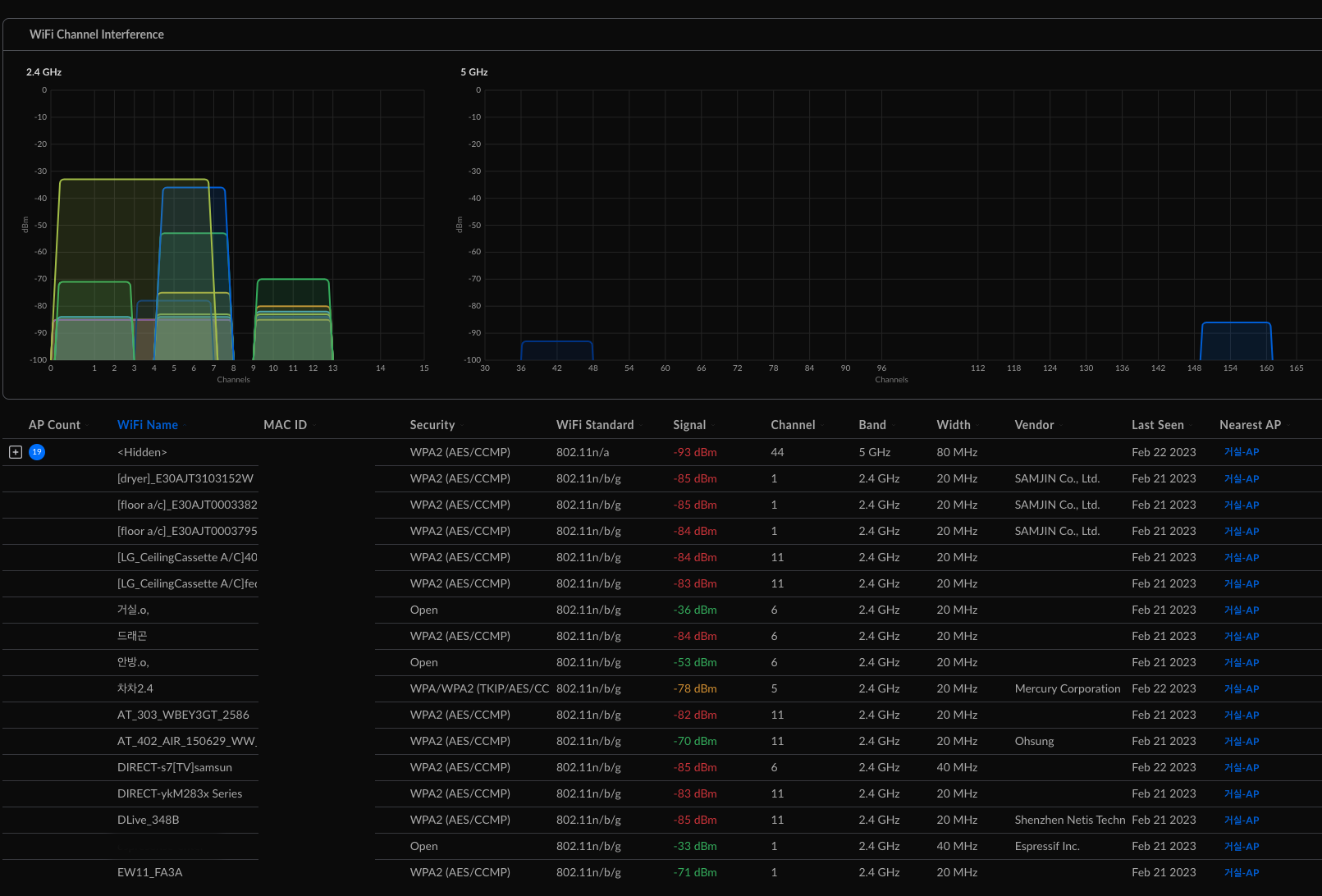
There's more interference than expected from neighbors. What's more interesting is that Seoul city public WiFi occasionally spikes on the 2.4GHz band.
I'm not sure where it's coming from... It might be the bus stop nearby in a direct line.
Clients Disconnect Whenever I Change Settings
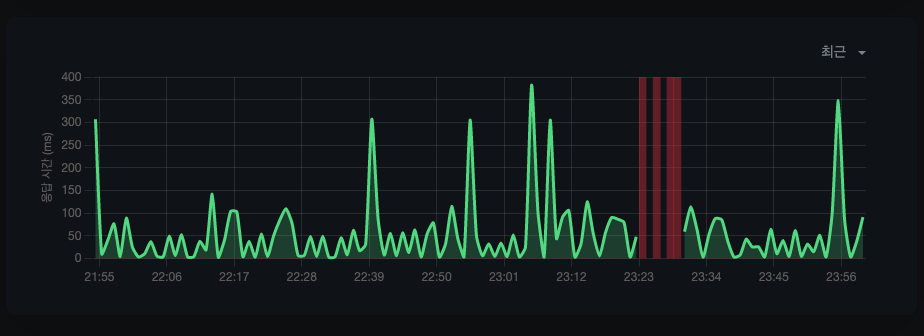
Red indicates downtime
There's still one unresolved issue.
Unlike the old device, whenever I add an SSID or even just change a device name, all clients disconnect and reconnect.
I'm not sure if this is a bug, expected behavior, or a misconfiguration, but I'll update this soon.
The WiFi Speed in the Master Bathroom?!
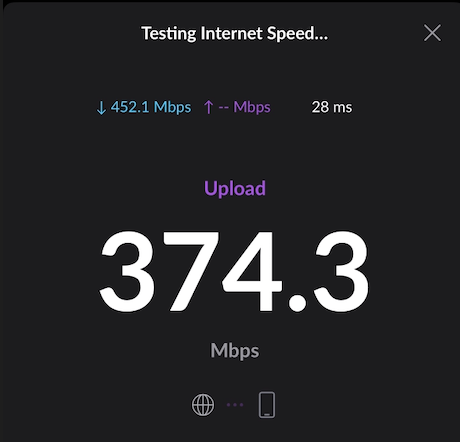
For the main mission - the master bathroom - I previously only got 10 Mbps with all doors open.
Now, even with all doors closed, I'm getting a beautiful speed of over 374 Mbps.
Conclusion
-
The lifeblood of home IoT is the network. Invest heavily in your network and you'll be comfortable for 5 years.
-
It's quite a recurring issue. Upgrading the AP because there are so many WiFi 6 clients...
-
Unifi and Apple have always done an excellent job building their ecosystems.
-
Now I can work from home comfortably anywhere in my house.
-
To my AP11 that endured years of its quirky owner's configurations - you've worked hard. Good luck with your new owner!